
Pitch1 has full video integration for game videos and training. All for free.
Upload your game to youtube and timestamp your goals. The goals will then appear in match highlights for players and parents to view, post-match. You can then make notes on the video privately, in the coaching panel, for any points you want your players to work on. Tag players with timestamped notes, which will then appear on that players' profile page in your coaching panel. Share that information with other coaches, or keep it private to your own account.
For anyone who records their games with Veo, XBotGo, Insta360 or another camera system, you won't find a better video integration system anywhere else.
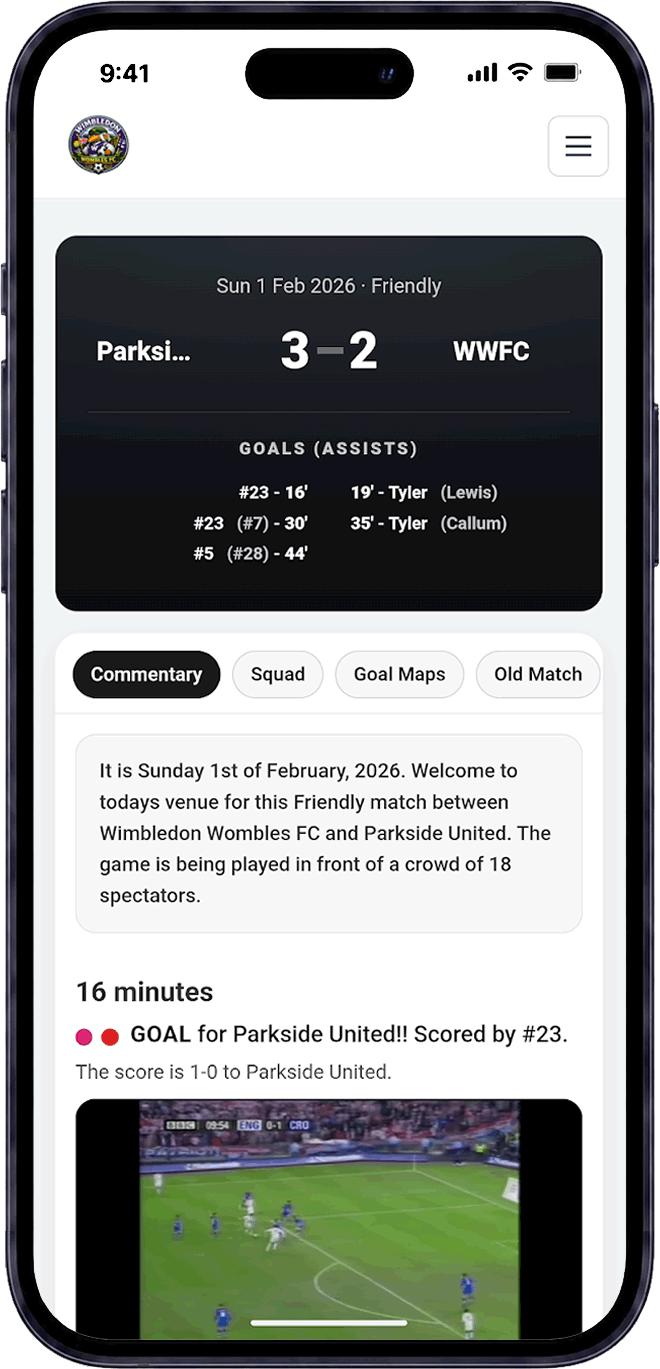
Video highlight match reports are first and foremost just a fun way to display the match, above and beyond just a uploading the video of the game to youtube. Check out the example match report here to see how we integrate the goal videos but also coach commentary, goal maps, lineups and more. When you click play on the video under each goal, it will jump straight to that part of the video.
You can link more than one video per game, so you can even join together parents' phone footage, if one parent recorded one goal and another parent recorded another goal.
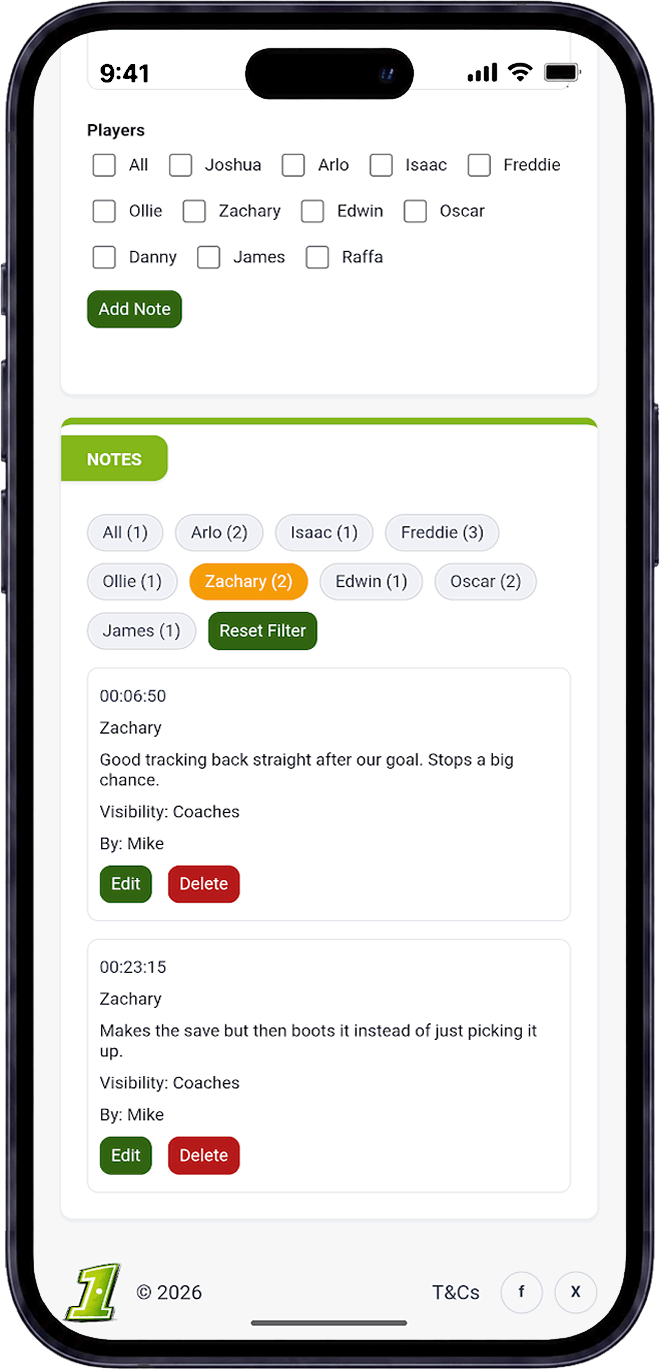
Probably more importantly for you as a coach, is the ability to make timestamped notes of the game, in your admin panel. Tag in a player to a particular event during the game and as the season progresses, you'll have a selection of coaching notes for each of your team members. You can share those notes with other coaches in your team, or keep it private. And soon we'll be adding the feature to send a coaching package to a member of your team, via email, with notes and points to work on.
Pitch1 is designed to work alongside the video setup you already have. Record your match or training session, upload the footage to YouTube and add the video to Pitch1. We've written a blog about which is the best grassroots football camera, so feel free to check it out.
Save the time of each goal in the match video so highlights can jump directly to the moment it happened.
Connect match reports with video and make the important moments much easier for players, coaches and parents to find.
Add a note at a specific moment in a video, then click it later to jump straight back to that part of the footage.
Tag individual players in video notes so development points and examples can be connected to the right player.
Keep coaching notes private where needed, or make them available to the wider coaching team for shared analysis.
Share training videos with players and parents to explain drills, introduce ideas and prepare the squad before a session.
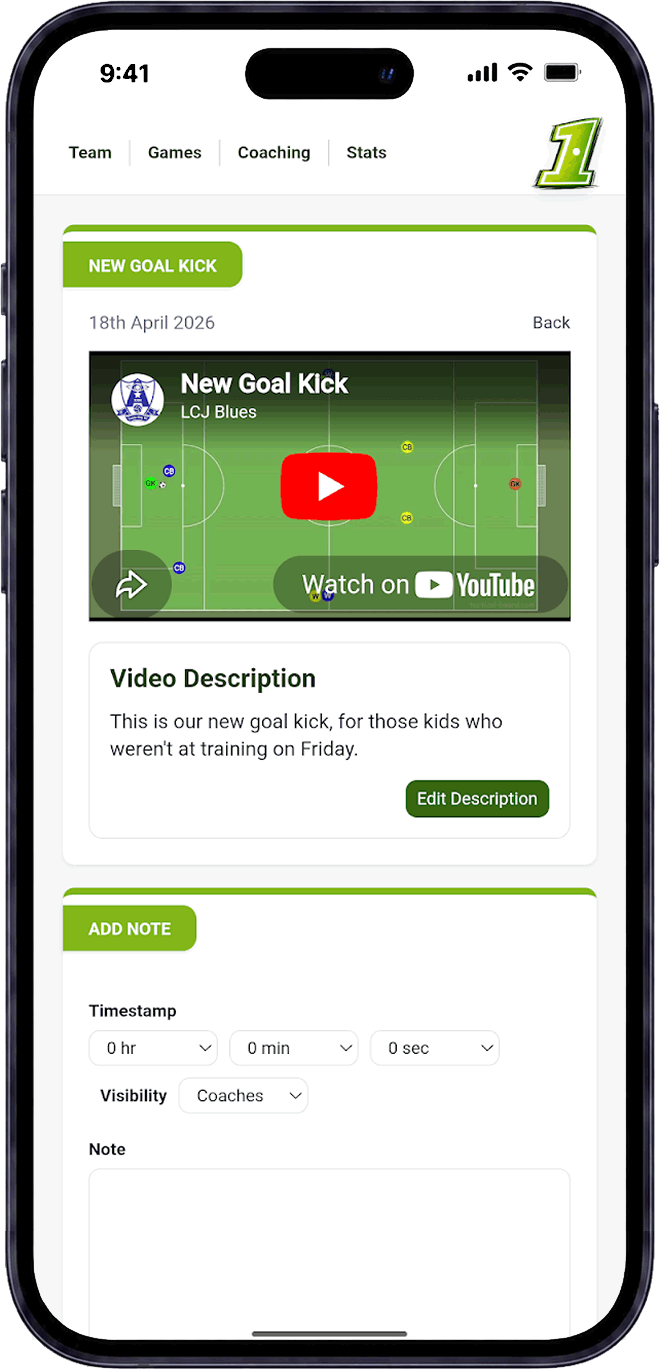
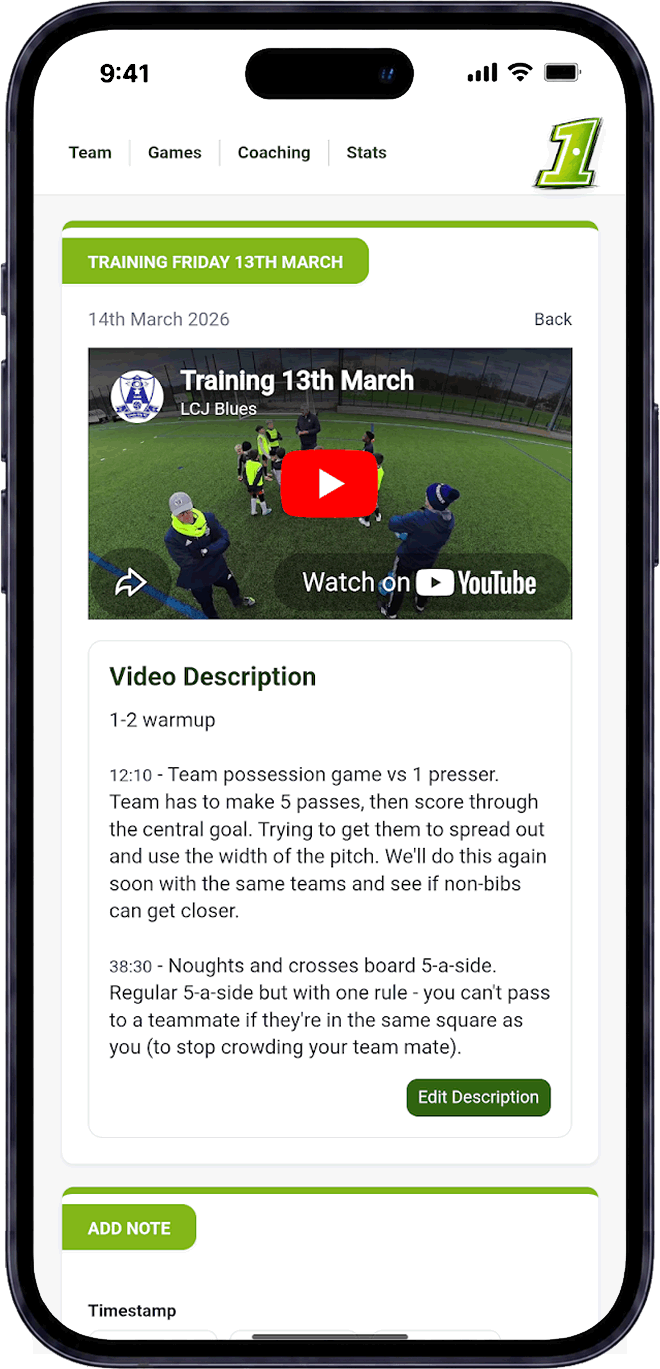
Connect your match and training videos to goals, highlights, coaching notes and player development inside Pitch1.